
Home
Getting started
Bring your software with Docker
Core concepts
How-to guides
Monitor and debugging
Developer tools
Glossary
This is a Core Concept page which offers an overview of key topics essential for understanding Pools. Start here for foundational knowledge, then explore the guide for more in-depth learning.
With Pools, you can keep a group of servers pre-booted and ready, allowing your tasks to start immediately.
Normally, when you launch a task, Qarnot first looks for an available machine, sends the task to it, starts the server, and only then begins execution. For longer tasks, this startup time is negligible. However, if you're running many fast tasks (such as for data processing or risk assessment), the time spent booting servers can become a bottleneck.
By using a Pool, you avoid this delay and ensure your tasks begin without waiting.
Scaling parameters allow Pools to automatically adjust their size to match peak demand, ensuring you always have the right number of servers available when needed.
Explain the basic principles or paradigms that underpin how the product works.
Pools follow the following billing principles. As soon as a server is running in a pool, it is counted as billed execution time.
Tasks executed in a pool are not billed.
Most of the pool's configuration is similar to Tasks’ ones (link to Tasks core concepts). In this section you will find pool specific components.
Using the parameter scaling you can define how your pool will scale. You can define several scaling policies for one pool.
Fixed Scaling Policy enables you to define a fixed number of slots that will be permanently provisioned in your pool, regardless of instance activity or the state of the task queue.
Managed Tasks Queue Scaling Policy enables you to define more granular scaling policies. The scaling of your pool is based on the number of tasks waiting to be executed.
Your pool can scale between the parameter MinTotalSlots which defines the minimum number of slots provisioned and MaxTotalSlots at the pace of the variable Scaling (or Resize) Factor which defines how many slots are provisioned every 90 seconds when scaling up. You can define a Minidleslot which corresponds to the minimum number of inactive slots ready to receive tasks in your pool.
The idle time for pool scaling on Qarnot defines the inactivity time after which a slot is defined as idleSlot. This parameter is crucial for determining how quickly a pool will scale back down after a load spike. A shorter idle time means the pool will scale down faster, while a longer idle time can smooth the slots count and is beneficial if the load pattern is oscillating and minimal latency is desired.
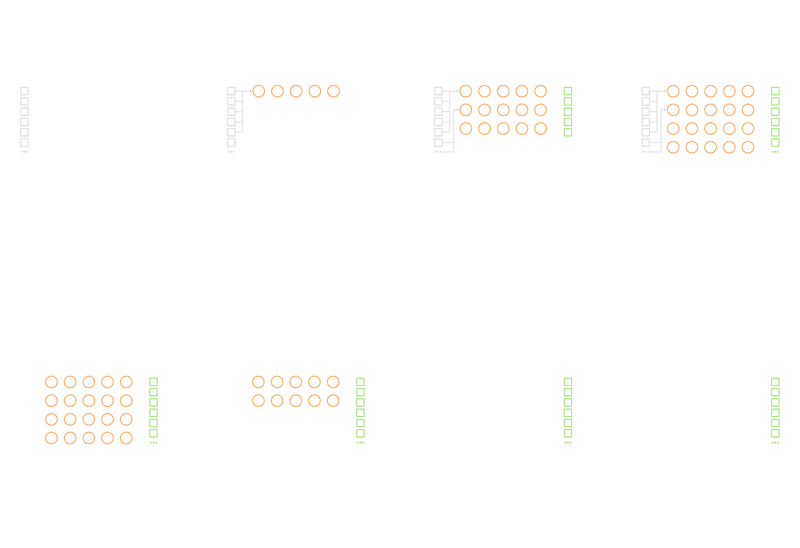
For example: You have the following configuration
You submit 50 tasks to your pool, each task takes 90 seconds to complete. As MinIdleSlot > MinTotalSlots 5 slot will be kept idle as long as MaxTotalSlots is not reached.
The Custom periods allow you to define specific time slots for the operation of your pools on a weekly cycle. That allows you to optimize resource utilisation according to your specific needs and variations in workload.
In most cases, Qarnot associates a task with a full CPU but sometimes your workload requires allocating several tasks per CPU, especially when you want to process a lot of single core tasks on the same server.
Pool scaling is based on the number of slots available. So when your pool is configured to use a profile with more than one slot per machine, it will scale on this node before starting up a new one.
The Multi-slots feature can only be enabled by Qarnot, please contact us for more information.
taskDefaultWaitForPoolResourcesSynchronizationautoDeleteOnCompletionpreparationTask
Description: Represents a task (as a command line) executed on a pool, before any task for example to create a Database or Network connexion.Fore more information on how to use our platform, please take a look at our guides, tutorial, and documentation article: